
If you’ve ever wondered when and how to use pure broad match keywords — or whether to avoid them entirely — you’re not alone. I’ve learned the hard way, through years of running campaigns for clients, that while broad match can be powerful, it can also be destructive if used carelessly.
Let’s break down what broad match keywords actually are, how they differ from other match types, and the smart, controlled ways to use them without letting your ad spend spiral out of control.
Understanding Broad Match (and Why It’s Risky)
In Google Ads, broad match is the default keyword setting. That means your ad can show up for any search that Google thinks is related to your keyword — even if that search doesn’t contain the same words.
For example, if your keyword is “daily office space,” Google might show your ad for searches like “short-term coworking,” “office rent by day,” or even “temporary desk job.”
That’s the danger — and the opportunity. Broad match gives Google freedom to interpret search intent, but it often leads to irrelevant clicks if you’re not careful.
That’s why many advertisers prefer phrase match or exact match — where you place “” or [] around the keyword like “keyword” for phrase match or [keyword] for exact match.
Three Smart Ways to Use Broad Match Keywords
I still use pure broad match keywords in three specific ways, and each comes with its own level of risk and control.
1. Don’t Use Broad Match (Yet)
That’s right — my first piece of advice is simple: don’t use broad match in new campaigns.
When you’re just starting, your campaign doesn’t have enough data or negative keywords to guide Google’s algorithm. Using broad match at this stage is like handing over your wallet and saying, “spend it however you like.”
Stick with exact match and phrase match first. Build up conversion data and a solid list of negative keywords. Once your campaign matures, then you can experiment with broader targeting.
2. Create a “Broad Match Beta” Campaign
When you’re ready to test the waters, don’t mix broad match keywords into your main campaigns. Instead, create a separate, dedicated campaign — sometimes called a “beta campaign.”
This allows you to:
- Control the budget for broad match testing
- Prevent it from stealing budget from your proven keywords
- Gather new keyword ideas from the search term reports
For example, you could start with a few carefully chosen broad keywords like “plumbing repair services” or “roof replacement near me.” Monitor which search terms actually drive relevant conversions, then move those into your main campaign with phrase or exact match.
This method gives you the learning benefits of broad match without risking your entire ad spend. You can also add broad keywords in a separate add group or do what I typically do in #3 below.
3. Add a Few Broad Match Keywords Sparingly
If you already have a long-running, stable campaign, you can introduce one or two pure broad match keywords to gently expand your reach.
Say your ad group already has 100 or more exact and phrase match keywords. You might add a single broad match keyword like “daily office rental” or “pool table movers Dallas.”
Be warned — even one broad match keyword can dominate your traffic. I’ve seen two broad keywords take over 50% of impressions in a campaign with hundreds of keywords.
So, watch the data closely for the first few days. Check the search term report daily. Add negative keywords to filter out irrelevant traffic and keep your ads focused.
This approach can yield great results — but only if you monitor it like a hawk.
The Hidden Danger of Google’s “Broad Match Upgrade”
Now, here’s the part that every advertiser needs to know.
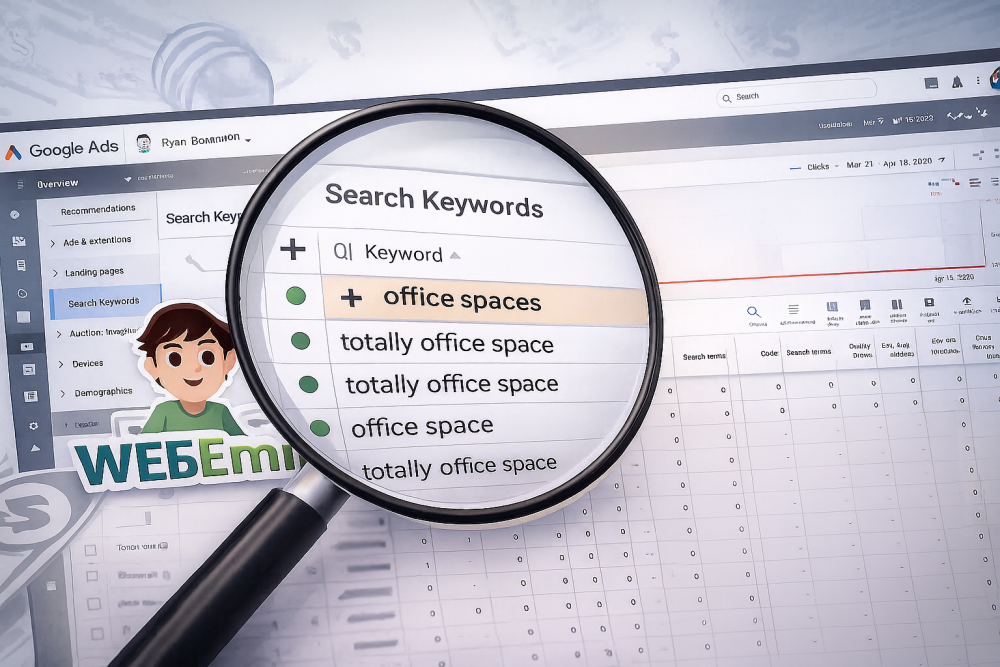
Recently, Google Ads started showing an automated recommendation labeled “Upgrade your existing keywords to Broad match.”
Sounds helpful, right? Google even promises that it will “reach more customers likely to convert.” But the reality is far more bleak.
When one of my long-time clients accidentally approved this recommendation, it completely wrecked his campaign. The system automatically removed all phrase and exact match keywords and replaced them with pure broad match.
The results were catastrophic. His carefully optimized campaign, which had been running profitably for years, suddenly started showing ads for irrelevant searches — like “pool table” instead of “pool table movers.”
Within days, ad spend went up, conversions dropped, and lead quality plummeted.
Why This “Upgrade” Feels Like a Downgrade
The issue with this recommendation is that it removes advertiser control. Broad match gives Google the freedom to match ads to “related” searches, but sometimes Google’s definition of “related” is far too broad.
In the example above, “pool table” triggered ads meant for “pool table movers.” Those two phrases have completely different intent — one is looking to buy a product, and the other is looking for a moving service.
Once those broad keywords replaced the precise ones, all the campaign history and performance data tied to the original keywords were lost. That history matters — it helps Google’s algorithm understand what works for your account.
So when you apply that “upgrade,” you’re essentially starting over from scratch, with worse targeting.
Final Thoughts: Control Beats Automation
Google Ads is constantly evolving, and automation can be both a blessing and a curse. Broad match keywords can uncover new opportunities, but they can also create chaos if you let Google take the wheel completely.
If your campaign is already performing well, don’t “upgrade” your keywords just because Google recommends it. Automated suggestions are not tailored to your specific goals — they’re designed for Google’s system to gather more data and potentially spend more of your budget.
Use broad match intentionally, test it in small doses, and always keep your targeting tight.
In short: you control your ads — not Google.