
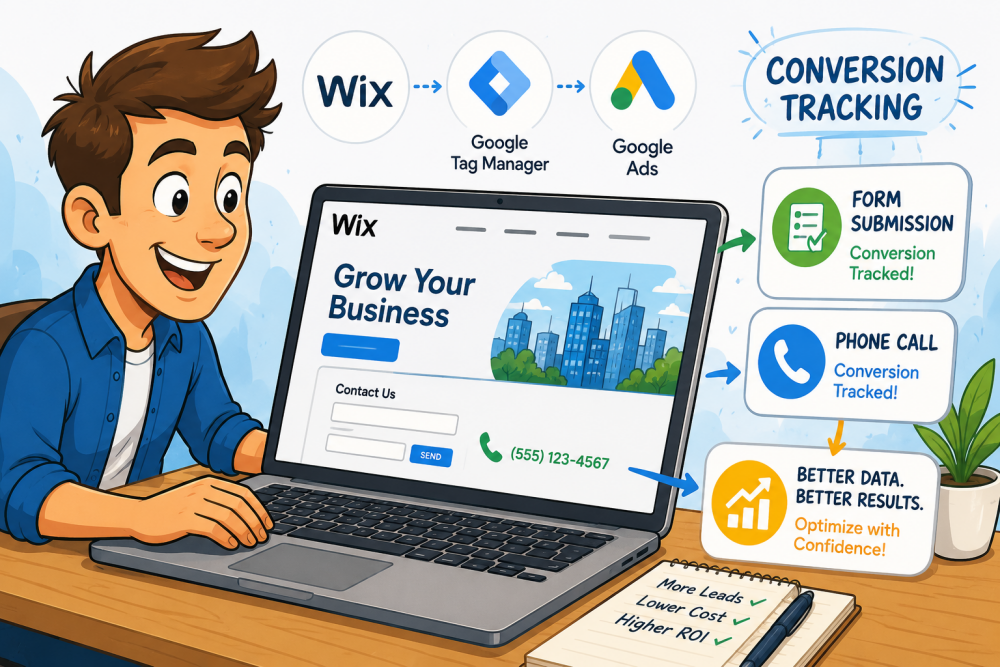
For most lead generation websites, the two most important conversion actions are contact form submissions and phone calls. Fortunately, both can be tracked efficiently on a Wix website by integrating Google Tag Manager (GTM). This approach provides greater flexibility than adding individual tracking codes directly into Wix and makes it much easier to manage future marketing tags from a single location.
Connect Google Tag Manager to Your Wix Website
The first step is to connect your Wix website to Google Tag Manager. After creating a free Google Tag Manager account, you’ll receive a unique container ID that begins with GTM-. In your Wix dashboard, navigate to Settings > Marketing Integrations, select Google Tag Manager, and enter your GTM container ID. To see a visual walkthrough of this process, view my video below.
Once connected, verify the installation inside Google Tag Manager using the Install Tag Manager verification tool. Enter your website URL to confirm that the container has been successfully installed. This ensures your website is ready to deploy Google Ads tracking tags without modifying your site’s code in the future.
Track Phone Calls from Your Website
Phone calls are often one of the highest-value conversions for service-based businesses. Inside your Google Ads account, create a new conversion action by navigating to Goals > Conversions and selecting Phone Calls. Choose Calls from Website Visits, then enter the phone number displayed on your Wix website.
Google Ads will automatically replace your website’s phone number with a forwarding number, allowing it to measure important call metrics such as call duration, caller details, and completed phone call conversions. Most advertisers set a minimum call duration—such as 30 seconds—to ensure only qualified leads count as conversions.
After creating the conversion, copy the Conversion ID and Conversion Label provided by Google Ads. In Google Tag Manager, create a new Google Ads Calls from Website Conversion tag, paste the Conversion ID and Label, enter your website phone number, and configure the tag to trigger on All Pages. Once published, every qualifying phone call from your website can be accurately tracked inside Google Ads.
Set Up Form Submission Tracking
Contact forms are another essential conversion for most lead generation websites. While Google Tag Manager includes a built-in Form Submission Trigger, Wix forms don’t always trigger this event consistently. A more reliable solution is to track visits to your Thank You page after a successful form submission. You’ll have to set the form on your Wix site to redirect to this Thank You page after submission.
Create a new page view trigger in Google Tag Manager that fires whenever the Page URL contains “thank-you” (or whatever unique URL your confirmation page uses). This trigger becomes the basis for your Google Ads conversion tracking.
Next, create a new Website Conversion inside Google Ads. Enter your website URL so Google can verify your installed Google Tag, then select an appropriate conversion goal, such as Submit Lead Form. After the conversion is created, copy its Conversion ID and Conversion Label into a new Google Ads Conversion Tracking tag within Google Tag Manager. Assign the previously created Thank You page trigger and publish the container.
From this point forward, every visitor who reaches the Thank You page after submitting a form will be recorded as a conversion inside Google Ads.
Publish and Verify Your Conversion Tags
Before your tracking begins collecting data, publish all pending changes in Google Tag Manager. After publishing, return to Google Ads > Goals > Conversions to verify that your conversion actions appear correctly.
For most Wix lead generation websites, you should see three primary conversion actions:
- Calls from Ads (phone calls made directly from Google Ads call assets)
- Calls from Website (phone calls placed through your website)
- Form Submissions (completed contact forms)
Once users begin interacting with your website through Google Ads campaigns, conversion data will start appearing in your account. This information allows Google Ads to optimize bidding strategies, improve campaign performance, and provide more accurate reporting on your return on investment (ROI).
Why Google Ads Conversion Tracking Matters
Accurate Google Ads conversion tracking is essential for maximizing advertising performance. By tracking both website phone calls and contact form submissions, businesses gain valuable insights into which campaigns generate qualified leads and which marketing efforts need improvement. Using Google Tag Manager with a Wix website simplifies tag management, reduces future implementation work, and creates a scalable tracking solution as your marketing campaigns grow.
With properly configured conversion tracking, you can confidently optimize your Google Ads campaigns using real performance data instead of assumptions. Whether you’re managing your own campaigns or working with a digital marketing agency, reliable conversion tracking is the foundation of better decision-making, improved lead generation, and higher advertising ROI.