
Why the website caught my attention
As I show in the video above, the store was using a free Wix website. It had product images and contact information, but very little original information about the business. The free Wix address and promotional banner at the top also gave it the feel of a free starter site. Its ads had been disapproved citing the “Insufficient original content” policy, and an earlier appeal had failed.
For someone searching for a nearby liquor store, the website should help them decide whether to visit. They need to understand what the store offers, where it is, and how to get in touch. A few product pictures and a phone number can be a starting point, but the page still needs to tell people something useful about this particular business. In the case of this site, I suspected the free Wix domain and the Wix ad at the top of all free sites was probably the main elements triggering the policy. I suspected building a new site on a custom domain would be the main way to fix this issue.
Building a website around the store
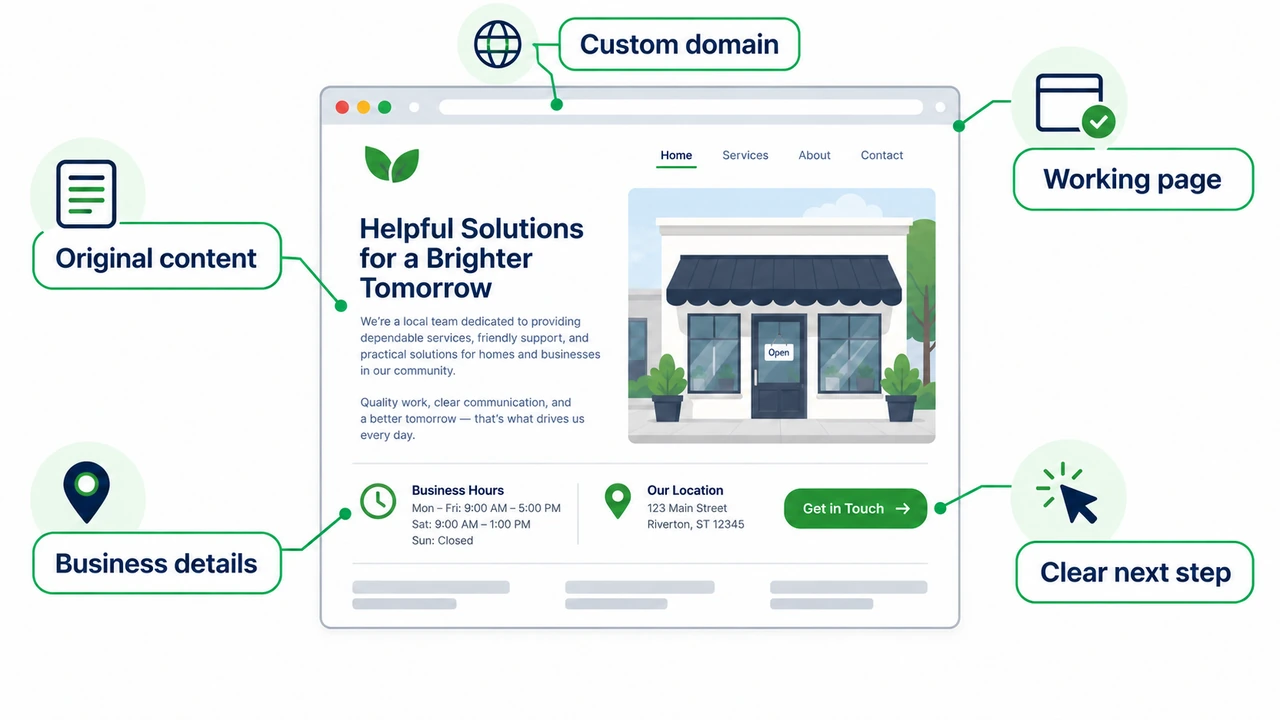
We built a new website with more original business content on its own domain. That gave the store a more complete place to send potential customers and a website it could keep improving over time. The domain gave the business its own address, while the content gave people a reason to spend time on the page.
For a local business, that content can be straightforward. Explain what you sell or the services you offer, tell people where you are, and make the next step easy to find. Think about the questions a customer would ask before visiting or contacting you, then help them find those answers. The goal is to make the website useful to the people your ads bring in.
If your business is still using a free website address, buying a domain and connecting it to your site is a sensible part of that improvement. My guide to searching for and buying a domain name on GoDaddy walks through choosing and registering one. You’ll still need useful content on the website; the domain purchase by itself isn’t a guaranteed fix for a disapproval.
Making the ads fit a neighborhood store
While reviewing the account, I also found that the campaign was targeting the entire state of Nevada. That was a lot of territory for a store people needed to visit in person. I brought the targeting down to a three-mile radius around the store so the campaign could focus on nearby potential customers. Another business might need a wider area, but the target should reflect how far its customers are likely to travel vs preferring a competitor.
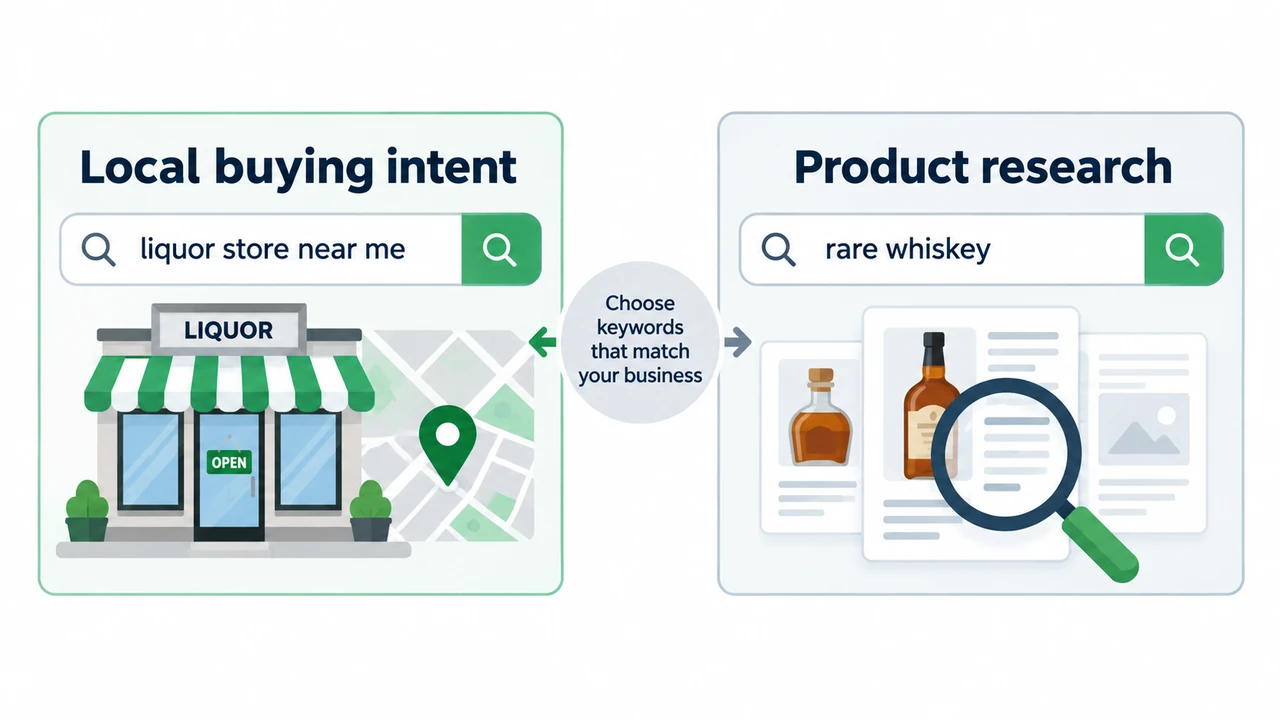
The keywords needed the same local focus. Searches such as “best rum” or “rare whiskey” can come from someone researching bottles, with no intention of visiting this store. Searches such as “liquor store Las Vegas” or “wine store near me” make the local shopping intent clearer. I wanted to start with people looking for a place to buy, then consider broader product searches as the campaign developed.
The ads themselves had room for improvement too. Headlines such as “Home | My Site” and “New” didn’t give someone much reason to choose the store and make it look like the person who setup this campaign gave little thought to the headlines. I rewrote the ads around the business and the searches we wanted to reach. The website, keywords, location target, and ad copy could then work together to give a nearby shopper a clearer path to the store.
Getting the ads running again
Once the replacement website was ready, I set up a new campaign pointing to it. As I show in the follow-up in the video, the ads were running again. We had also put tighter location targeting, more focused keywords, and better ad copy in place. Getting the campaign back into action was a useful first step; the next job was to watch whether it brought the store worthwhile customer activity.
If you’re facing the same disapproval, start with the page your ads send people to. Look at it as a customer would: is there useful information about this business, and is it clear what to do next? Improve what’s missing, then follow the review or appeal option in your Google Ads account. Once the ads are eligible to run, check that the campaign is reaching people who could actually become customers.
The video above shows the website review and the full account audit, including the bidding and network settings. If you’d like help looking at your own website and Google Ads together, contact Web Eminence. We can work through what needs attention and where to start.